AI Image Studio
Generate, edit, upscale, and transform images online. Your imagination, rendered in seconds.
Apps
View all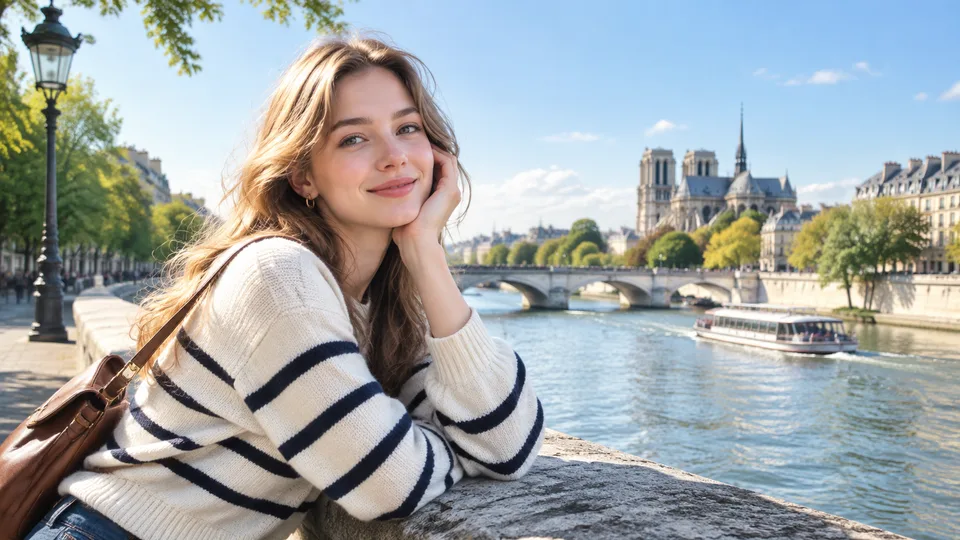
Last updated 2026-10-07
What Is RenderHarbor?
RenderHarbor is an AI image studio that runs in your browser. Instead of hopping between a generator, a background remover, an upscaler, and a restoration tool on different sites, you do the whole job in one place.
Generate
New pictures from a sentence.
Edit
Change what the picture contains.
Enhance
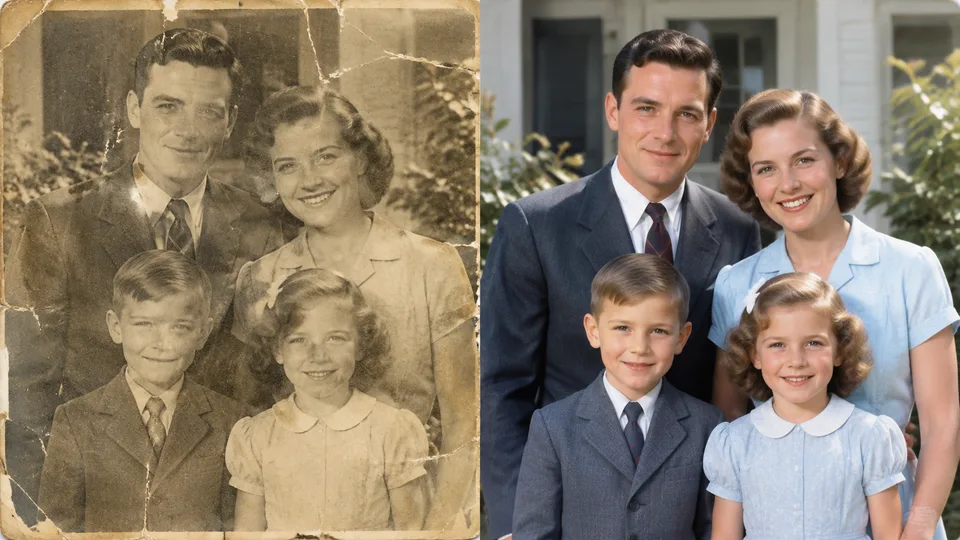
More detail, more pixels, restored faces.
Utilities
Browser-only jobs that never upload your file.
The studio covers four families of work. Generate — the prompt box at the top of this page, plus the image to image AI workflow for editing an existing photo. Edit — background removal, image extension, and text edits inside images. Enhance — the AI image upscaler, image enhancer, and old photo restoration. Utilities — browser-only jobs like image splitting that never upload your file at all. Every tool is reachable from the AI image tools hub.
It is built for creators making thumbnails and social visuals, marketers producing campaign images, ecommerce sellers preparing product photos, and anyone fixing personal pictures — with a free tier you can try without an account.
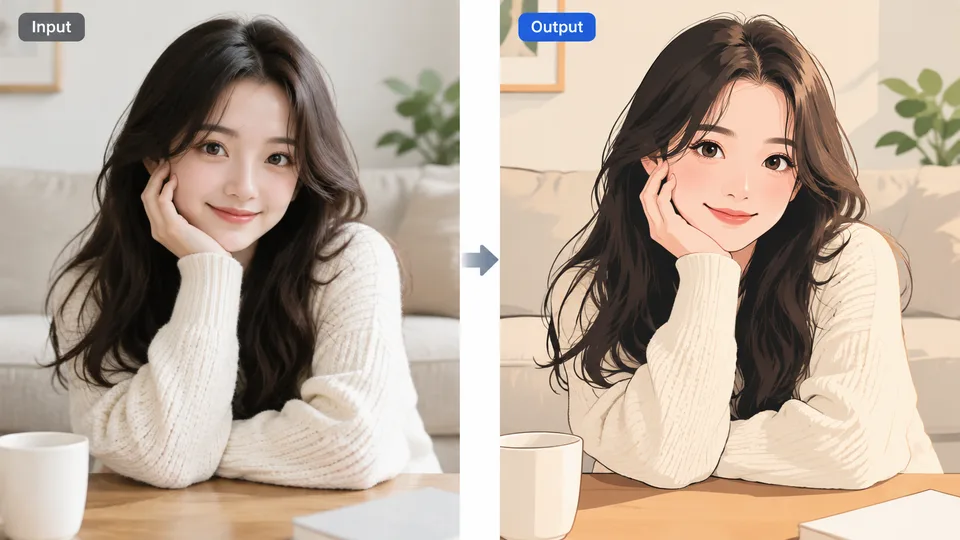
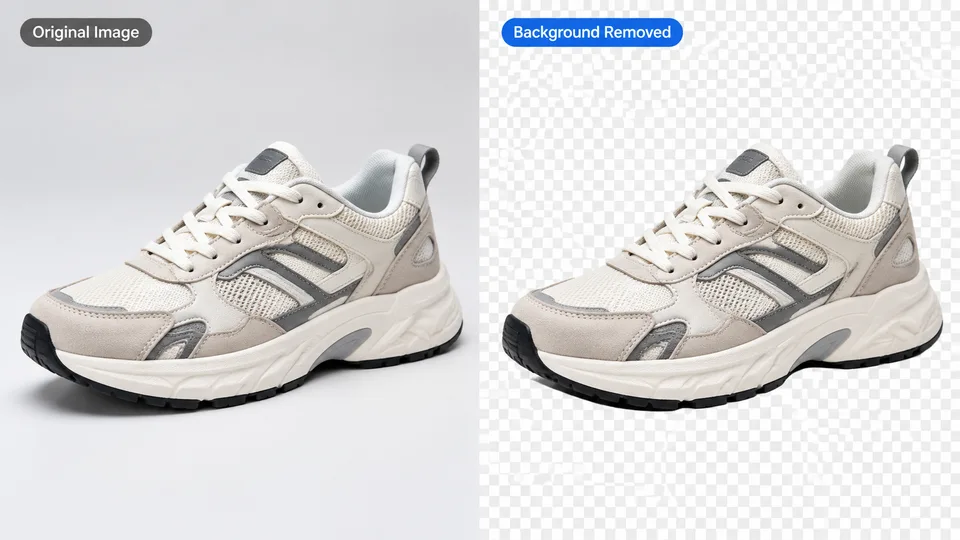
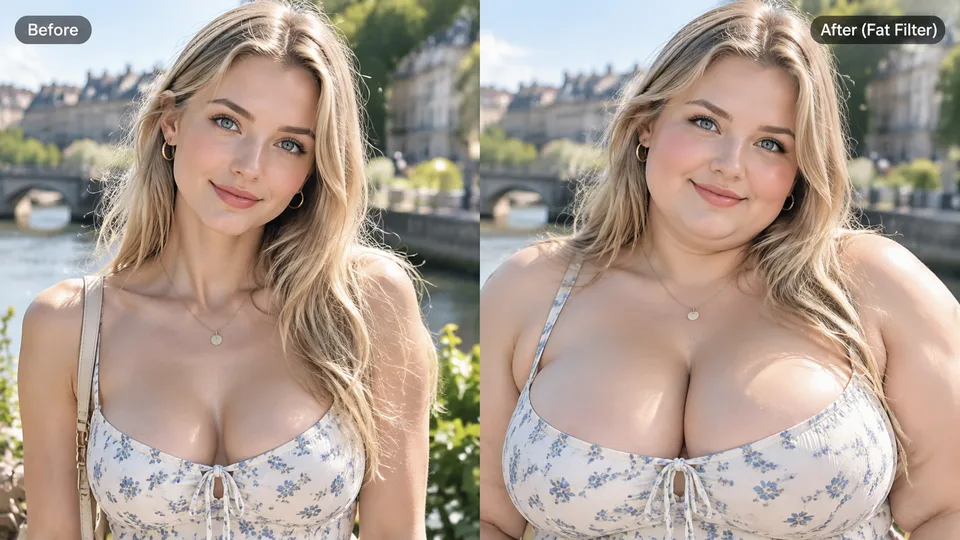
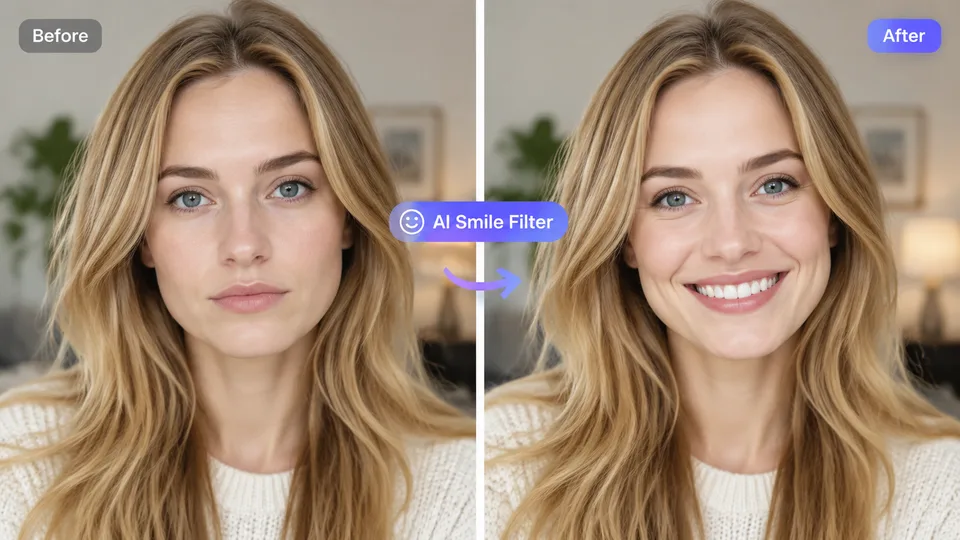
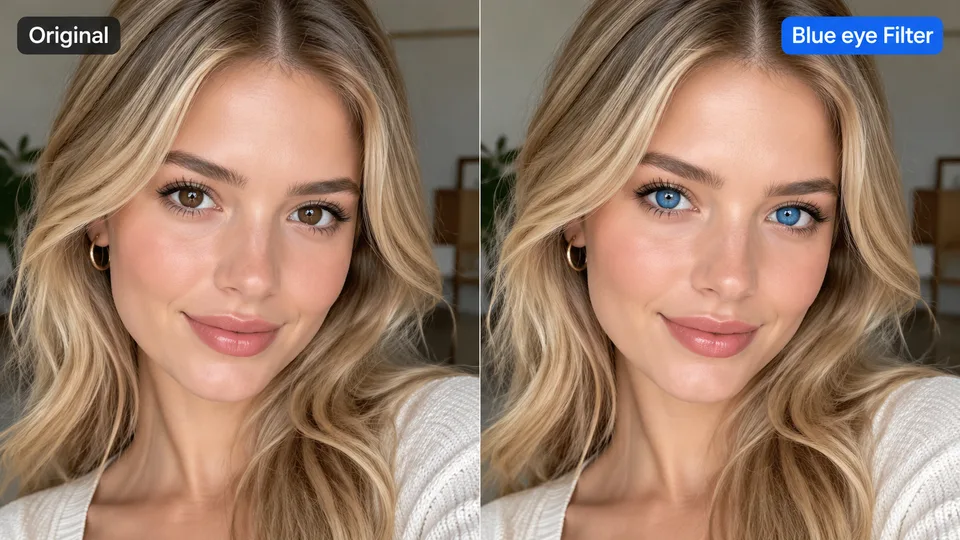
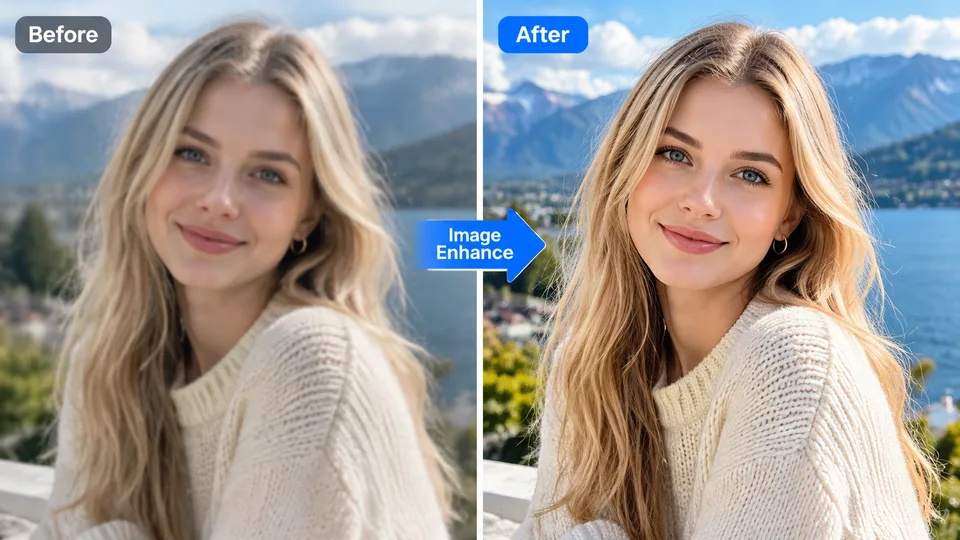
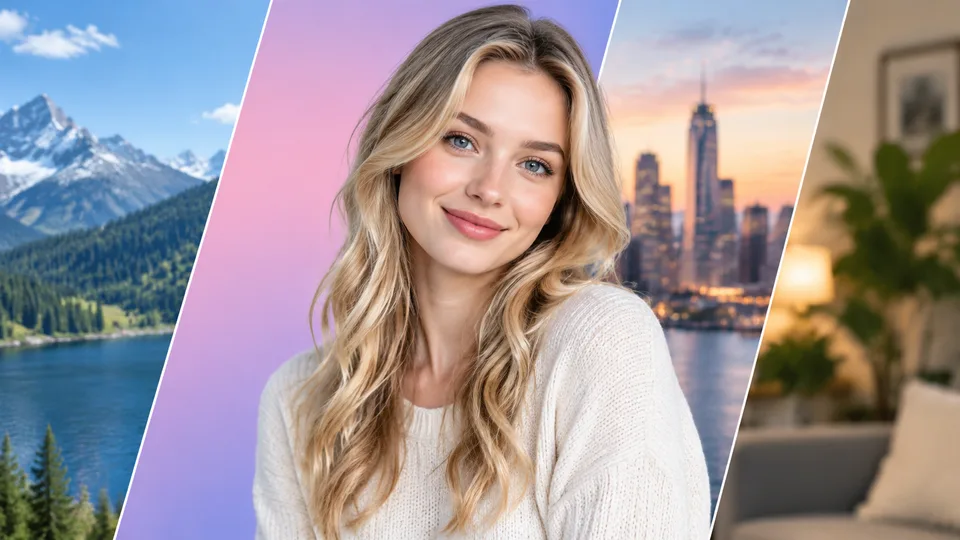
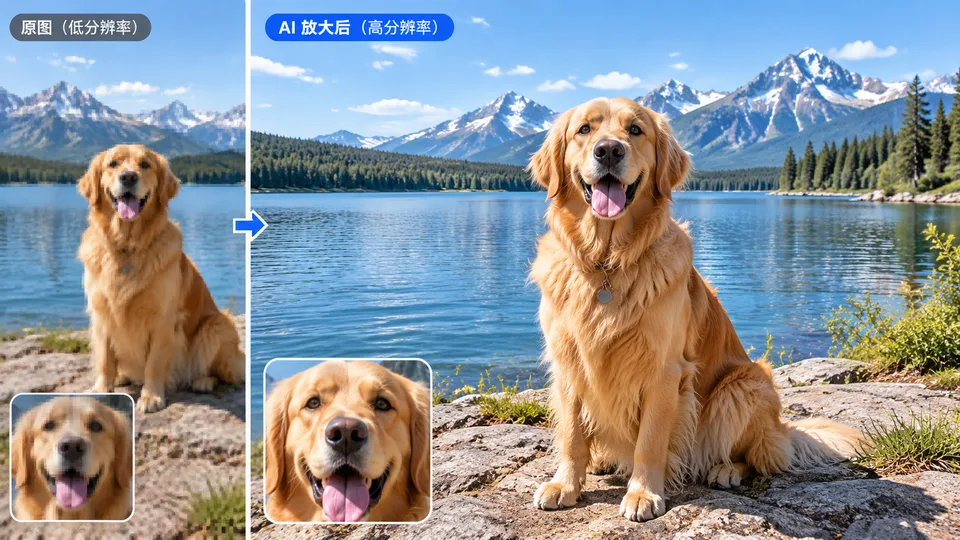
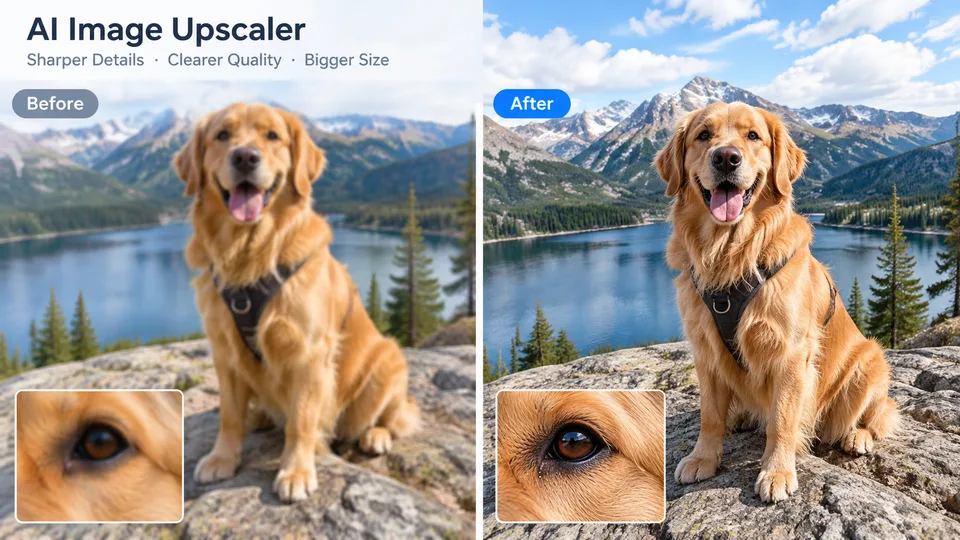
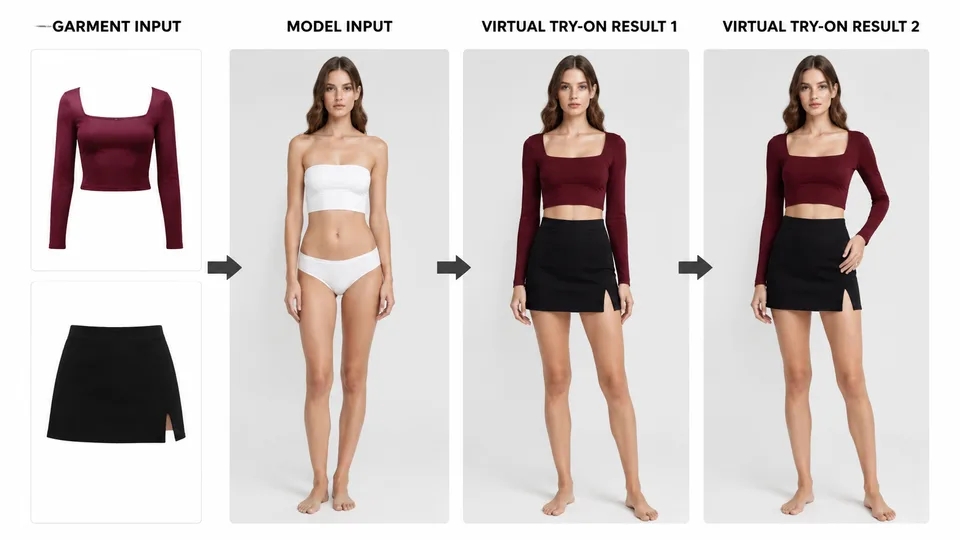
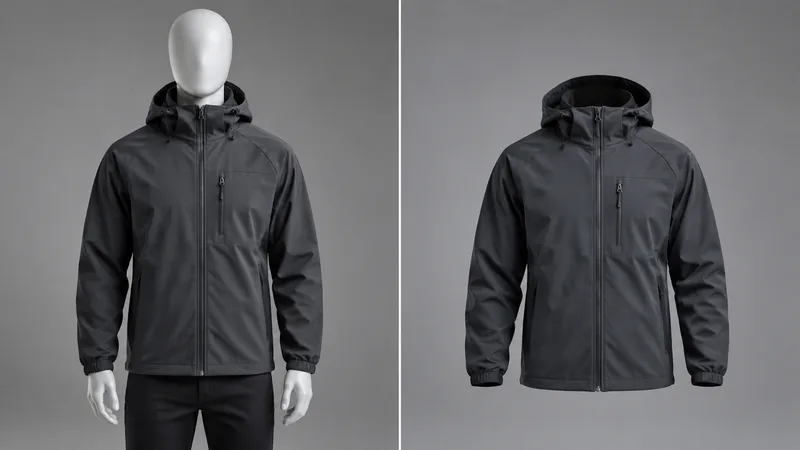
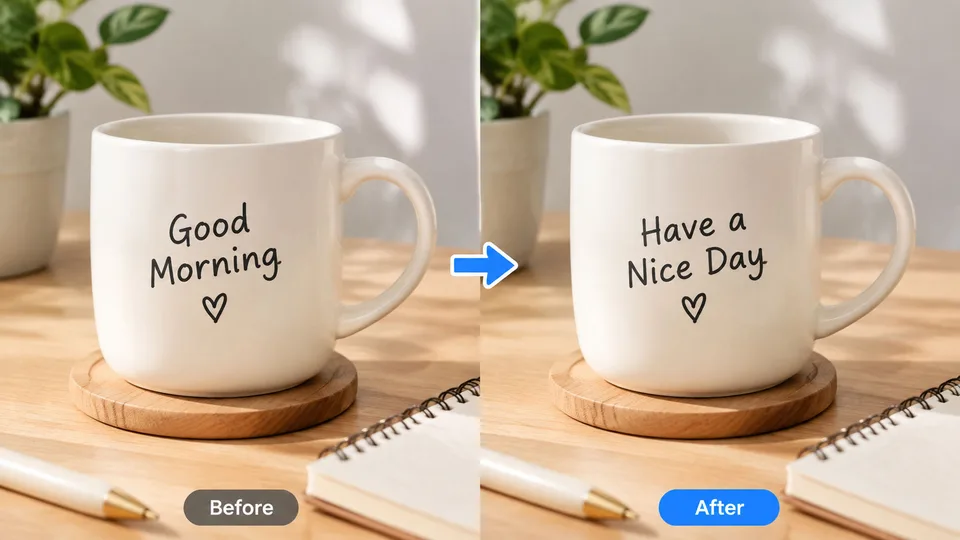
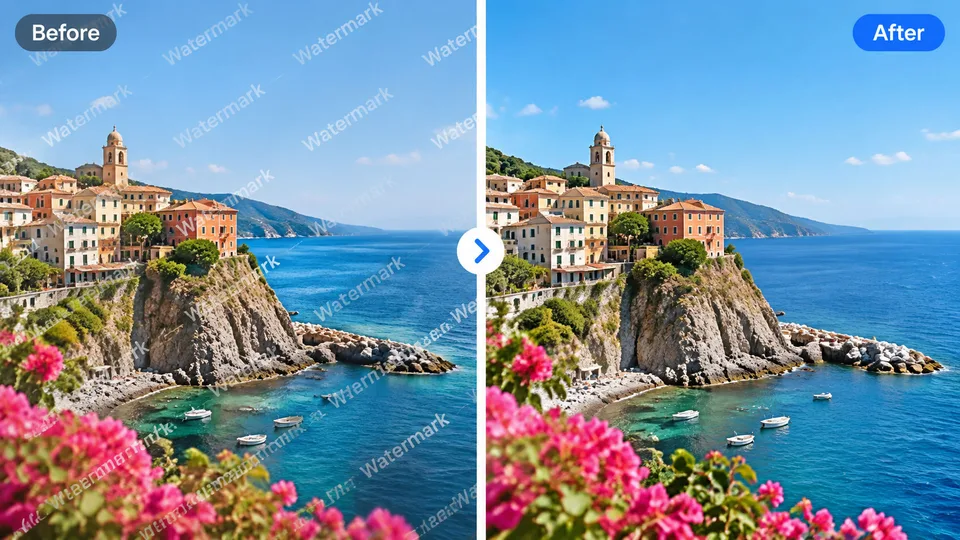
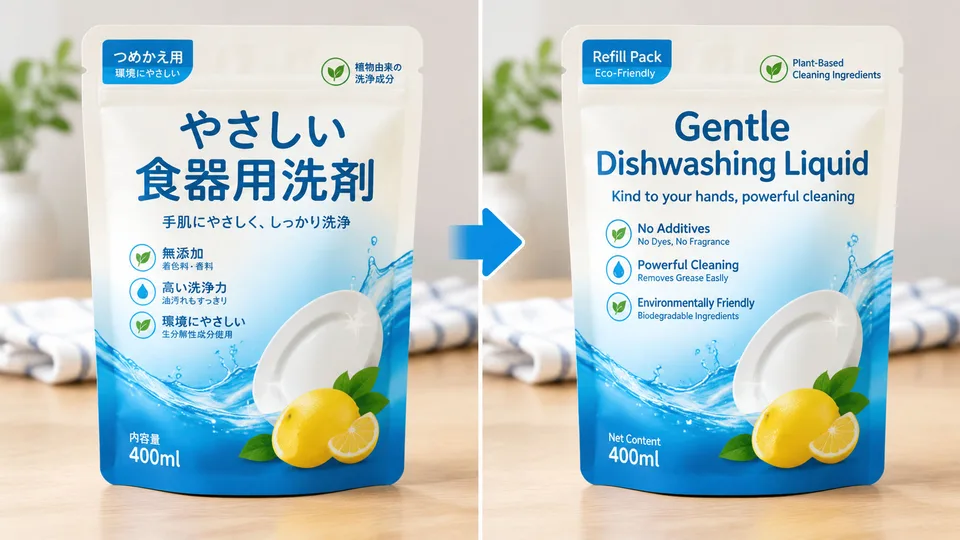
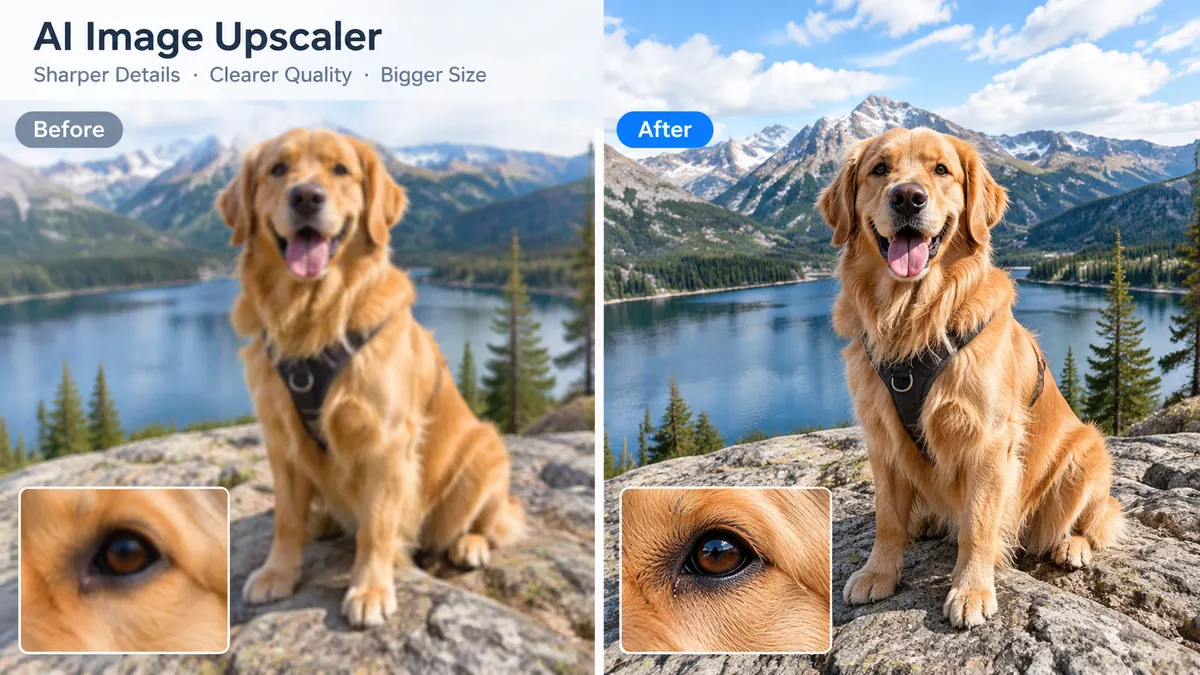
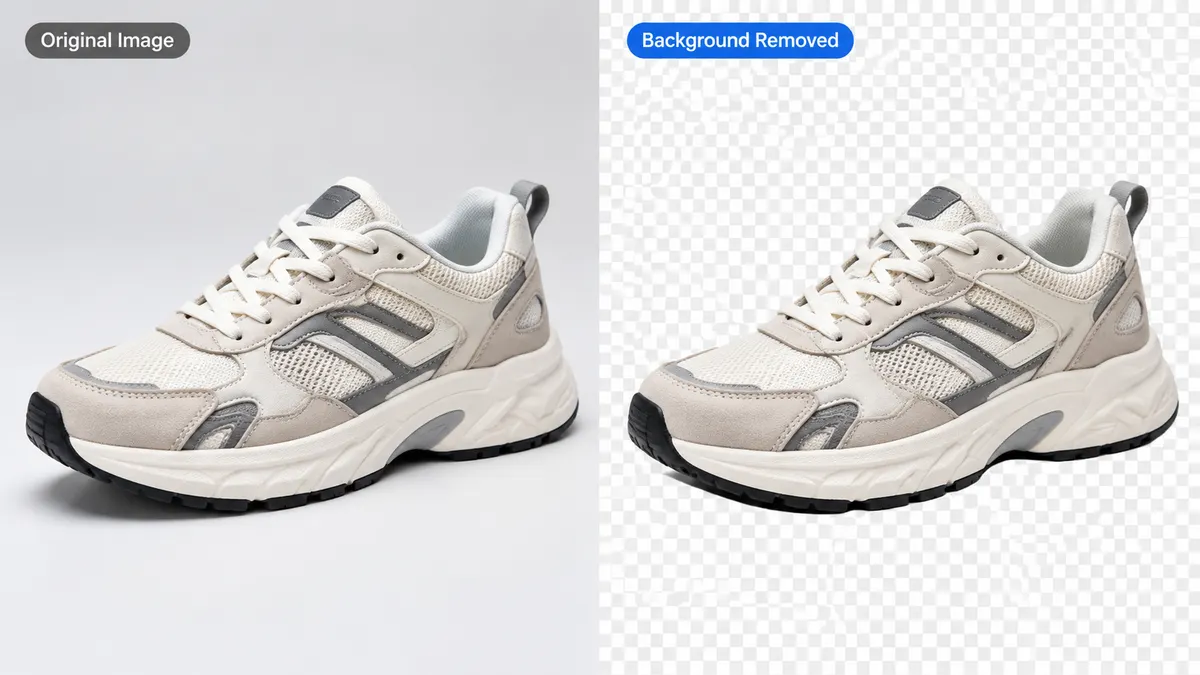
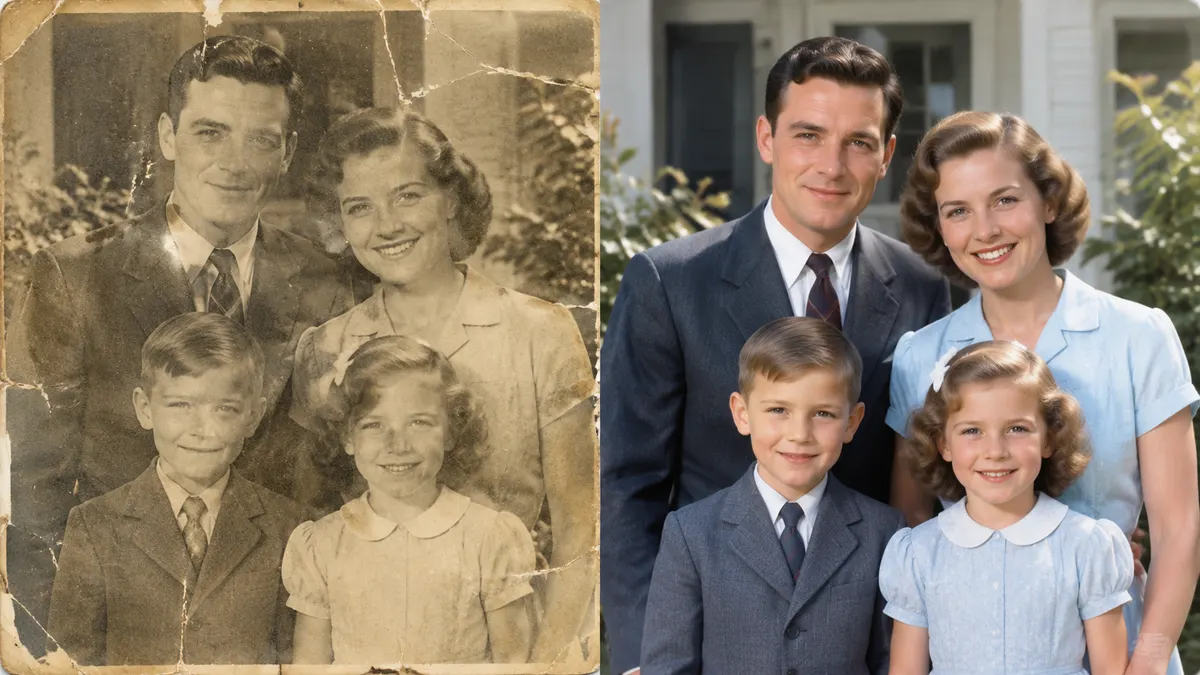
Real before / after, made in RenderHarbor
Every image below is a genuine tool output. Open the tool and run the same job on your own photo.
What Is an AI Photo Generator?
An AI photo generator turns a written description, or a photograph you already have, into a new picture. You type the subject, the setting, and the light, or you upload a source and say what should change.
People use one when a real shoot is too slow or the reference photo is almost right but not usable. Shop owners need a listing image before the product arrives. Creators want to test a look before they book a set. Marketers need a campaign still the same afternoon. Students and hobbyists want to see an idea without learning a desktop suite. RenderHarbor is built for that job: one AI photo generator in the browser, plus a set of focused editors for the parts a single prompt should not have to do.
Nearby names show up in the same searches. An AI image generator and a text to image generator usually start from words. An AI art generator often leans toward illustration and poster looks. An AI picture generator is the same idea in plainer language. This page treats them as related jobs, not as separate products. The thing you came for is a photo-like result you can generate, inspect, and download without installing software.
How to Generate AI Photos in 3 Steps
You can generate an AI photo without an account. The prompt box at the top of this page is the tool. Write a concrete sentence, or open Create and paste a featured prompt. If the picture already exists, upload it and describe only the change.
Describe the photo or upload one
Type the subject, setting, and light, or upload a clear source photo. A specific sentence beats a vague mood word.
Generate in the browser
Run the generator without installing software. The first pass is the draft you accept, retry, or edit with a tool.
Compare and download
Keep the version that matches the brief. The on-screen file is a preview; sign in to download the HD version.
Prompt tip: a useful first prompt names the subject, the camera feeling, and one light source. “A ceramic mug on a light oak table, soft side window light, shallow depth of field” is easier to judge than “nice product photo.” If the first pass misses a detail, change one phrase and generate again instead of stacking adjectives.
Text to Image vs Photo to Photo
Two requests get mixed up under the same “AI photo” label. One starts from text. The other starts from a photo and must keep someone or something recognizable. RenderHarbor covers both. If you already have the picture and want a guided transformation, use the image to image AI page so that job has its own explanation and tool.
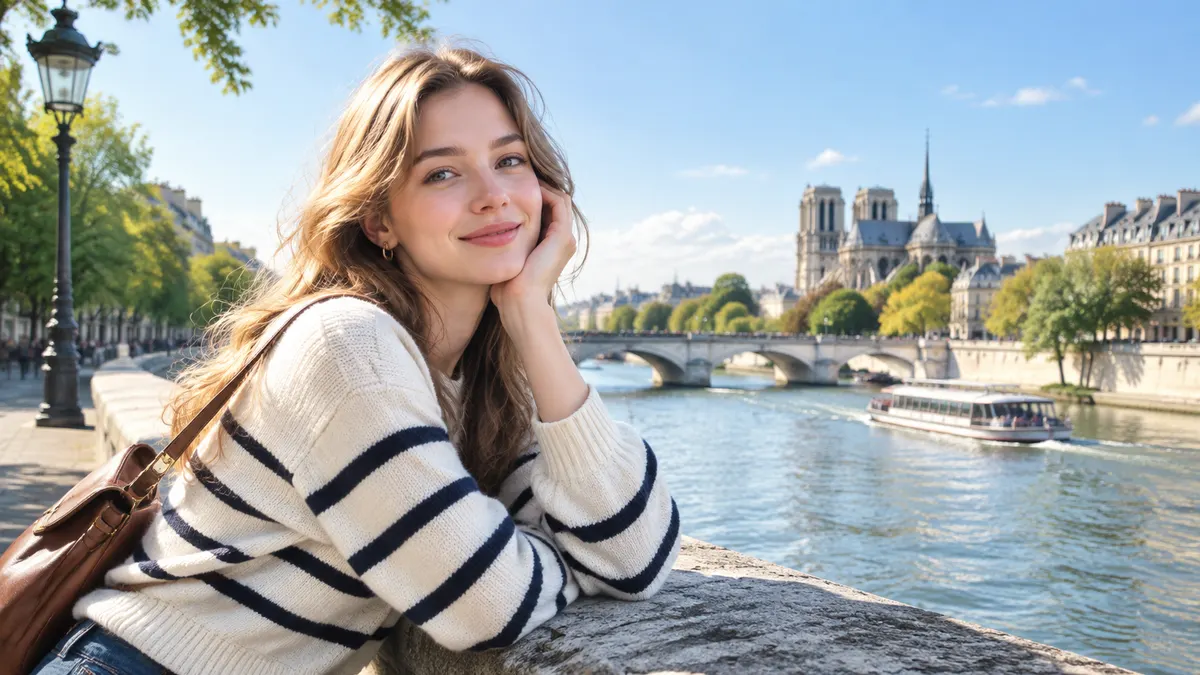
Text to image
Starts from words only. Identity is invented; style follows the prompt. Best for scenes that do not exist yet.
Generate from text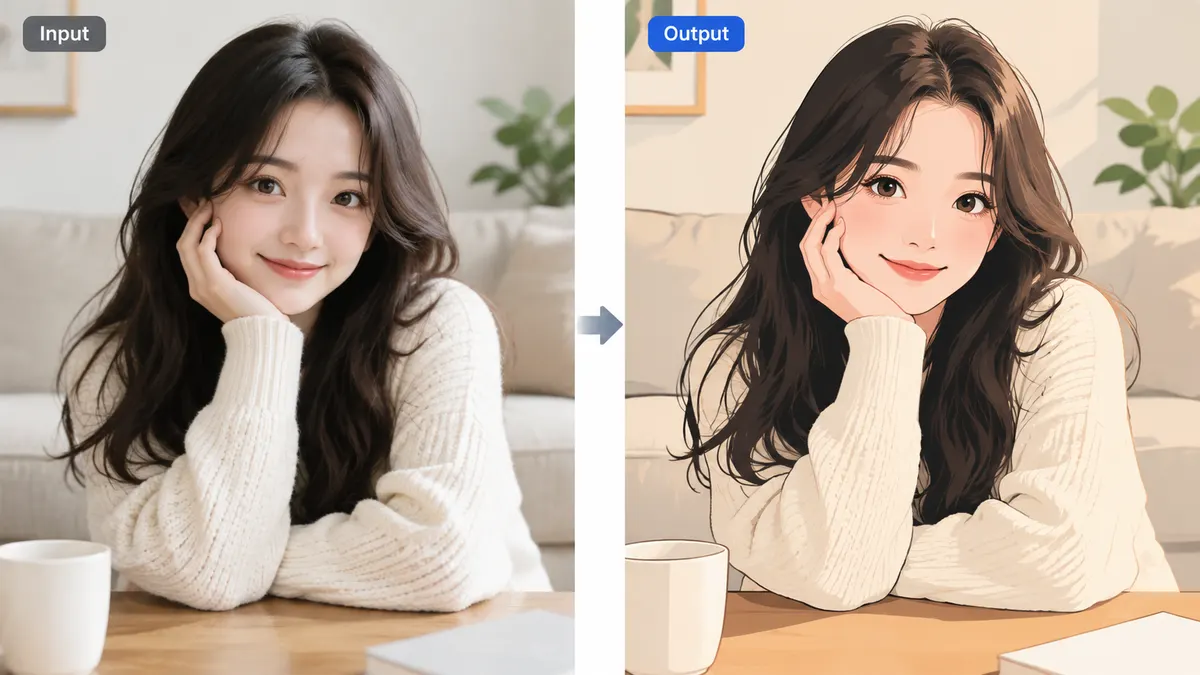
Photo to photo
Starts from your picture and keeps the subject recognizable. Best for keeping a face, product, or place while changing the rest.
Edit an existing photo| Text to image | Photo to photo | |
|---|---|---|
| Starting point | Words only. No file required. | A photo you upload, plus a short instruction. |
| Best for | Concepts, ads, and scenes that do not exist yet. | Keeping a face, product, or place and changing the rest. |
| What can drift | Identity is invented. Style follows the prompt. | Edges and lighting can drift if the source is soft. |
| Where to start | Prompt box on this page, or Create. | Image to image AI, or a single-purpose app. |
All AI Photo & Image Tools in One Place
The generator is the front door. When a job is specific, open the matching app so the instruction is already written and the before/after slider can show what changed. Free-tier limits and the no-signup trial are explained on the free AI photo generator page, not here.
Text & Cleanup
AI Photo & Filters
Body & Face
Restore & Upscale
Background Tools
Product & E-commerce
FAQ
What is RenderHarbor?
RenderHarbor is an AI image studio: a browser-based suite for generating, editing, enhancing, and transforming images. It combines text-to-image generation, photo-to-photo editing, background removal, upscaling, old photo restoration, and more in one place, so you do not need a separate site for every image task.
What is an AI photo generator?
An AI photo generator turns a written description, or a photo you already have, into a new picture. You describe the subject, lighting, and style, or you upload a source image and say what should change. RenderHarbor runs that job in the browser so you can try a result before you open a desktop editor.
Can I try the AI photo generator without signing up?
Yes. The generator on this page is usable without creating an account. Guests start with a small credit balance. Sign in to sync credits and history; new accounts receive starter credits once.
Does a free result include a watermark?
No. The picture on screen is a lower-resolution preview with no watermark. Sign in to download the HD file. Free generation is GPT Image 2 at 2K. Pro adds other models and 4K.
What is the difference between text to image and photo to photo?
Text to image starts from words only. Photo to photo, also called image to image, starts from a picture you upload and changes that picture. Use text when the shot does not exist yet. Use a photo when identity, a product, or a place must stay recognizable.
Which styles can I generate?
Product stills, portraits, travel scenes, poster looks, and illustration styles are all in range. Start with a concrete subject and one lighting note. Vague prompts such as “make it cool” are harder for any AI art generator to land.
Will the crop of my photo change?
Photo-edit apps on RenderHarbor lock framing and subject scale unless you ask for an extension. AI Extend is the tool that intentionally adds canvas. Other apps are written to keep the original crop.
Can I use the pictures commercially?
Pro plans include a commercial license for campaign and client work. The free plan is for trying the generator, not for publishing. Read the plan details on the pricing page before you ship an asset.
How is RenderHarbor different from a single filter app?
The homepage generator covers text and photo starts. Separate tool pages handle background removal, restoration, upscaling, try-on, and body edits so each search has one page. You stay in one studio instead of hopping between sites.
Your imagination, rendered in seconds.
Start from a sentence or a photo. Generate, edit, enhance, and download — one studio, no install.