How an AI Background Generator Works: Subject Lock + Scene Synthesis
What happens when you keep the subject and invent a new backdrop—edge blend, lighting match, and framing lock.
Includes checklists, QA steps, and fix loops
Read guideKeep the subject and generate a fresh studio, outdoor, or lifestyle backdrop that matches lighting. Clear subject separation and even lighting work best.

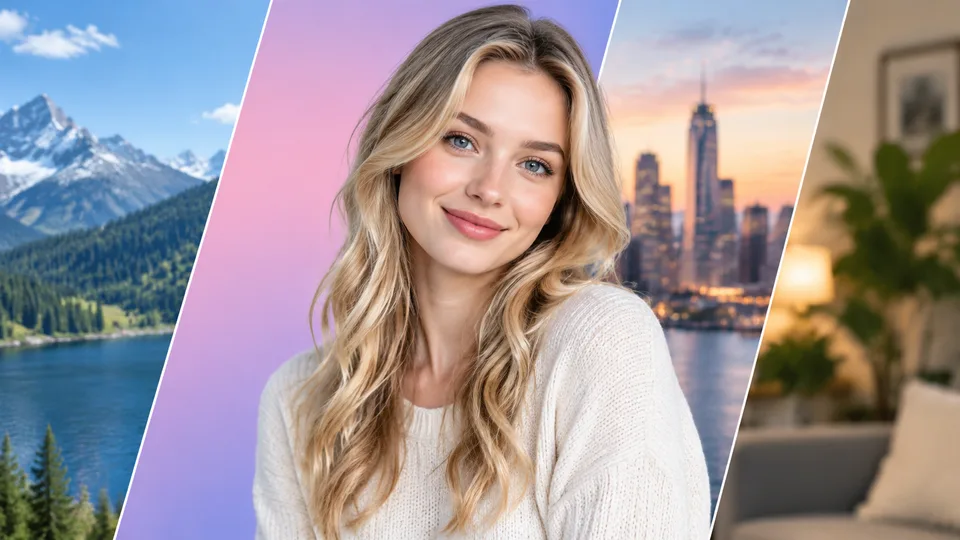
Example result
Why Background Generator
An AI background generator keeps your subject and synthesizes a new photoreal backdrop that aims to match lighting and camera angle.
Keeps people and products intact while only inventing a new environment behind them.
Aims for backgrounds that match direction and softness of the original light.
Slide to verify edge blend and scale before you download.
How it works
Upload a photo with a clear main subject.
Run Background Generator.
Compare the new scene, then download.
Guides & insights
Practical playbooks: what the tool changes in your photo, what to expect in 2026, and checklists for cleaner first-try results—plus how to fix common failures without wasting credits.
What happens when you keep the subject and invent a new backdrop—edge blend, lighting match, and framing lock.
Includes checklists, QA steps, and fix loops
Read guideProduct lifestyle shots, profile refreshes, and campaign variants—without a full reshoot.
Includes checklists, QA steps, and fix loops
Read guideSource contrast, lighting, and edge QA—practical checklist before you replace a scene.
Includes checklists, QA steps, and fix loops
Read guideFAQ
Practical answers before you upload your photo.
An AI background generator keeps your subject and synthesizes a new backdrop—studio, outdoor, or lifestyle—while trying to match lighting and camera angle.
Remove Background clears to a clean white studio look. Background Generator invents a full replacement scene behind the subject.
No. Framing and subject scale stay locked; only the background area should change.
Sharp subjects with reasonable contrast against the original background produce cleaner edge blends.
More apps
RenderHarbor Background Generator is for creators who need a new scene—not just a white cutout. Upload a clear subject photo, generate a matching environment, then inspect edges with the slider.
Pair with Remove Background when you only need studio white; use Background Generator when the story needs a full lifestyle or product environment.
Last updated September 2026. Related searches include replace photo background AI, AI scene background, and change background online.
These edits sit alongside the AI photo generator and the rest of the AI photo tools.
Related searches: AI background generator · replace photo background AI · AI scene background · change background online · lifestyle backdrop AI
Read the full Background Generator guides covering principles, industry landscape, and best-result tips.