RenderHarbor AI Image Studio
AI Image Tools
Every RenderHarbor image tool in one place, grouped by the job it does. Pick a tool, upload your original image, and compare the before / after result with a slider. For a new picture from text, start with the AI photo generator, or open the full Create Studio workspace.
Text & Cleanup
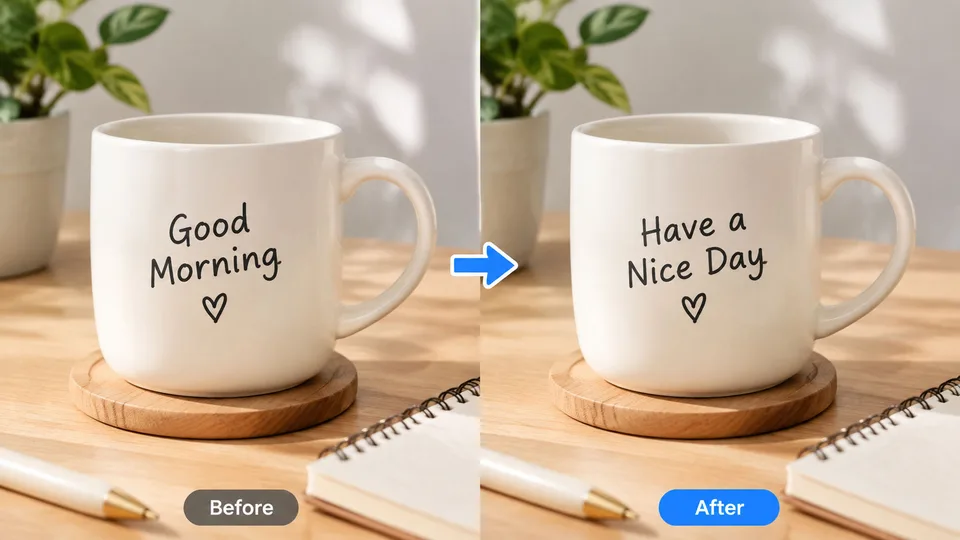
Edit Text in Image
TextRewrite words already in a photo — signs, posters, labels, and screenshots — while keeping the original font and layout.
Open Edit Text in Image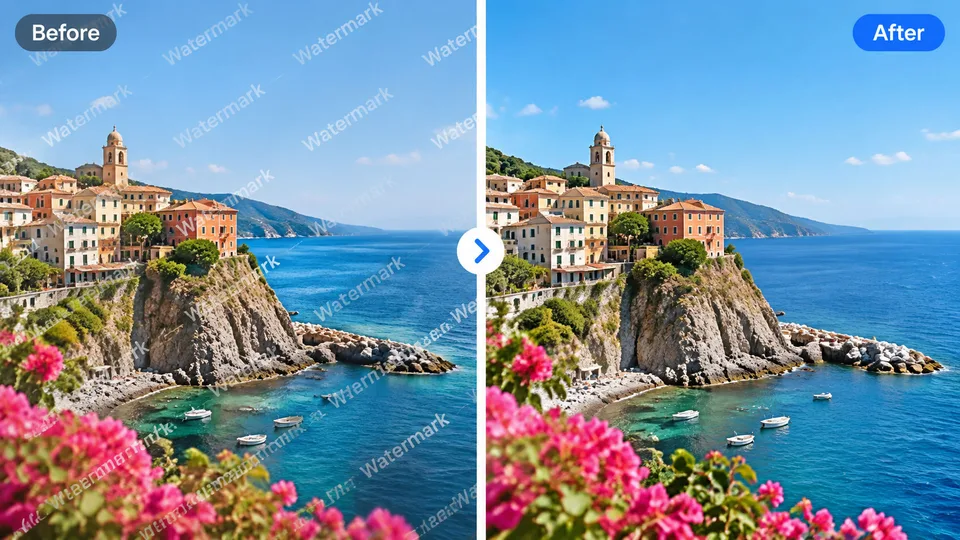
Watermark Remover
CleanClear stock stamps, logo overlays, and semi-transparent text marks, then rebuild the area underneath.
Open Watermark Remover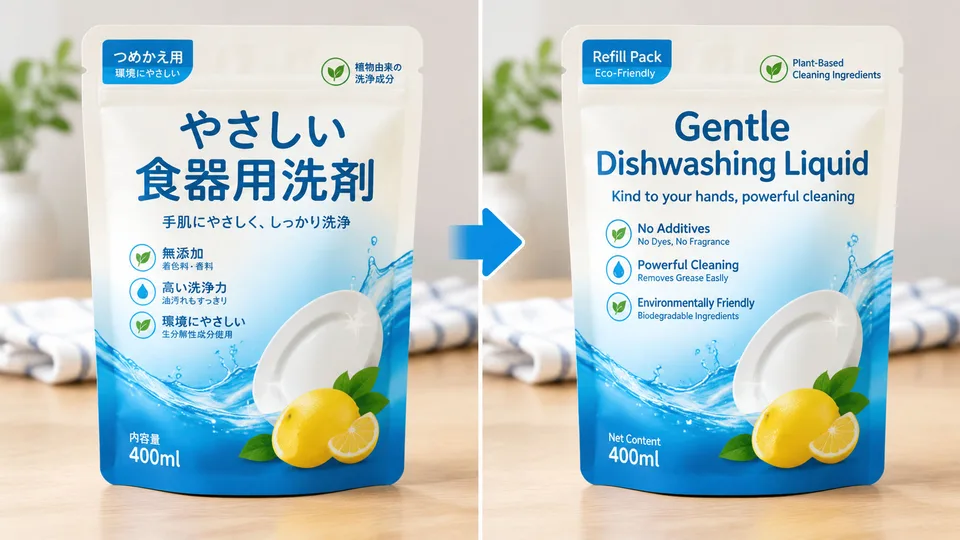
Image Translate
LangTranslate signs, menus, packaging, and screenshots into another language without rebuilding the design.
Open Image TranslateAI Photo & Filters
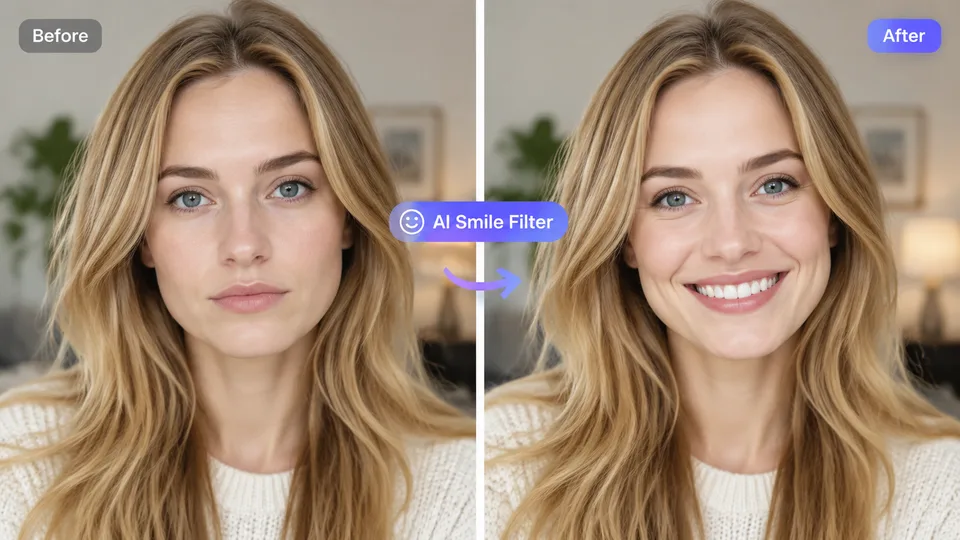
AI Smile Filter
SmileAdd a natural, friendly smile while preserving identity and lighting.
Open AI Smile Filter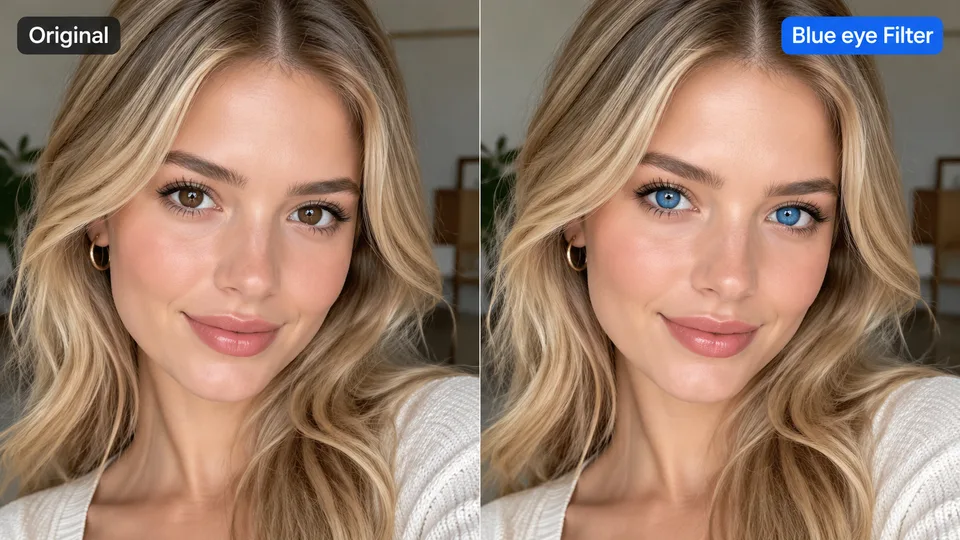
Blue Eye Filter
EyesChange eye color to vivid blue while keeping everything else intact.
Open Blue Eye Filter
AI Photo Generator Free
Try the generator without an account. See what the free credit balance includes.
Open AI Photo Generator Free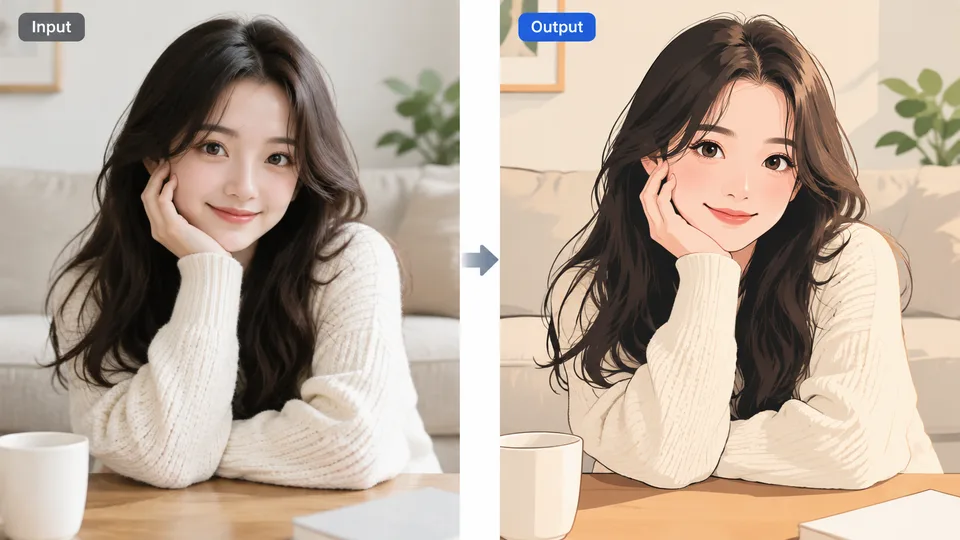
Image to Image AI
Upload a photo and describe the change. The source stays the starting point.
Open Image to Image AIBody & Face
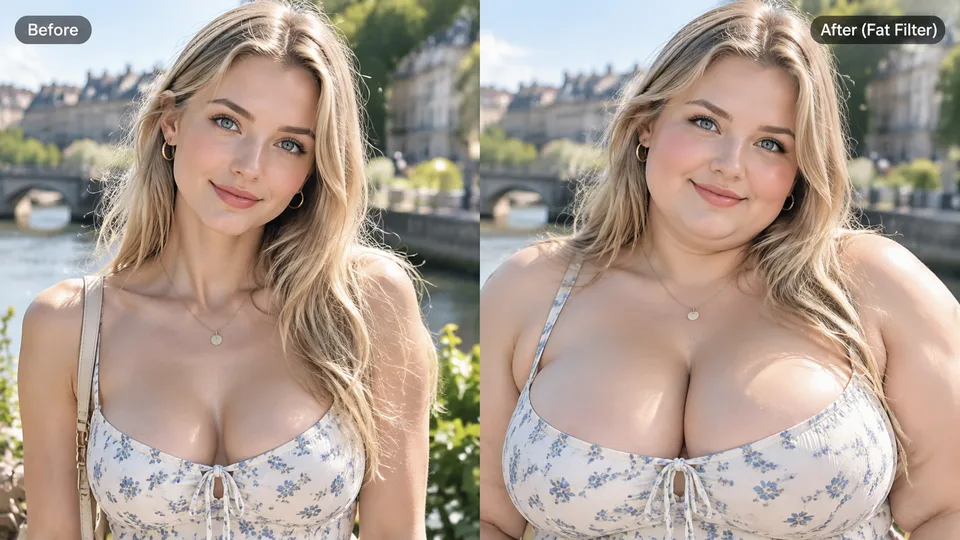
Fat Filter
FunPlayful face reshape filter that makes the subject look fuller and rounder.
Open Fat Filter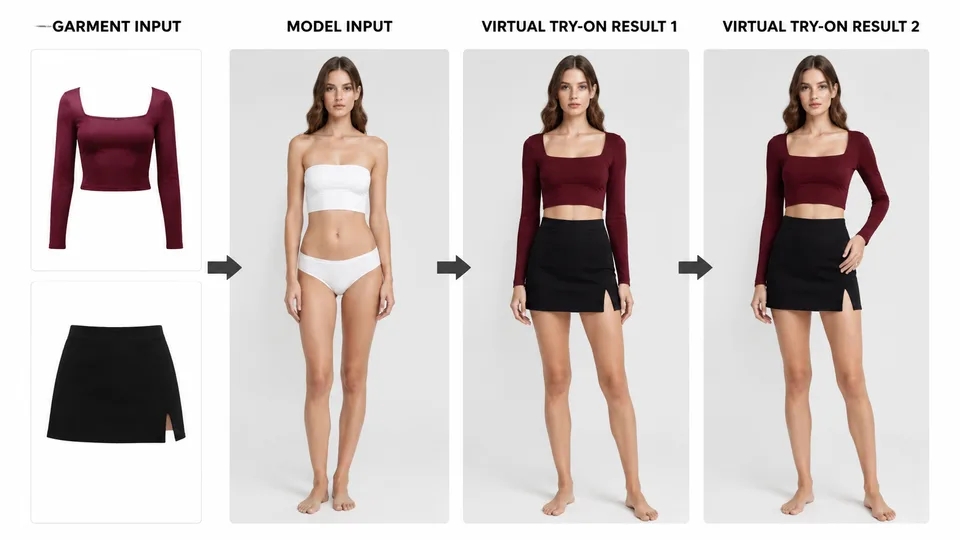
Virtual Try-On
FitUpload a person photo and one or more garment photos. AI dresses the person while keeping identity and pose.
Open Virtual Try-On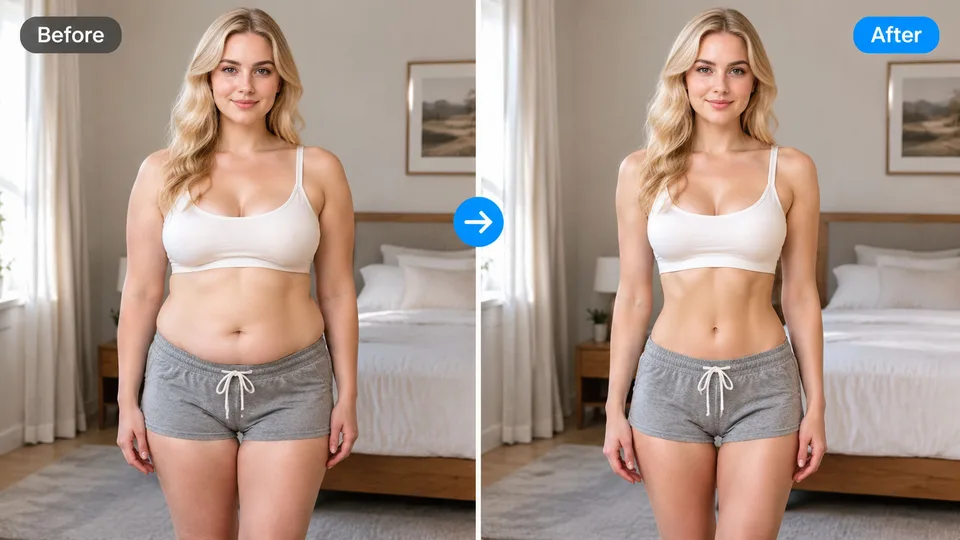
AI Body Editor
Adjust body proportions on a photo while keeping the face recognizable.
Open AI Body EditorRestore & Upscale
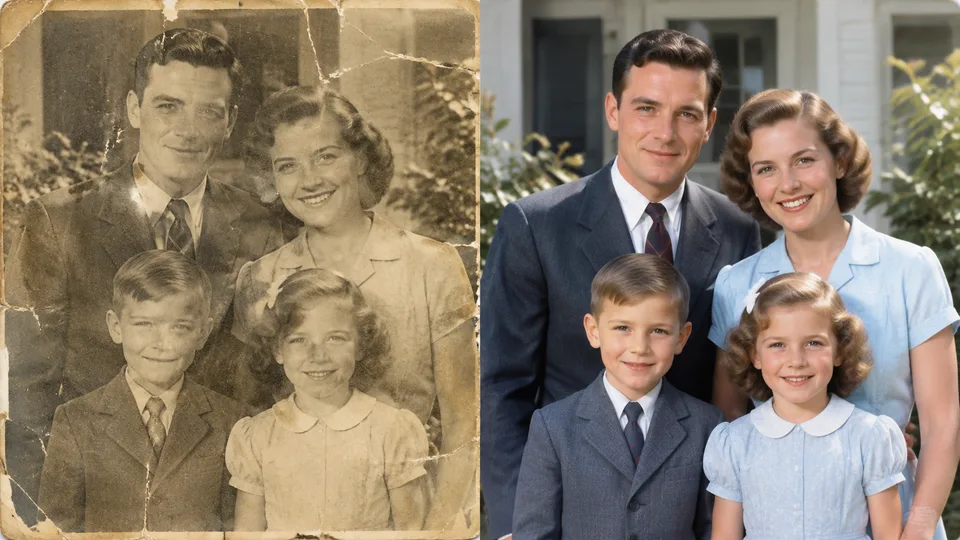
Old Photo Restore
RestoreRepair scratches, lift faded color, and recover detail in vintage prints while keeping faces recognizable.
Open Old Photo Restore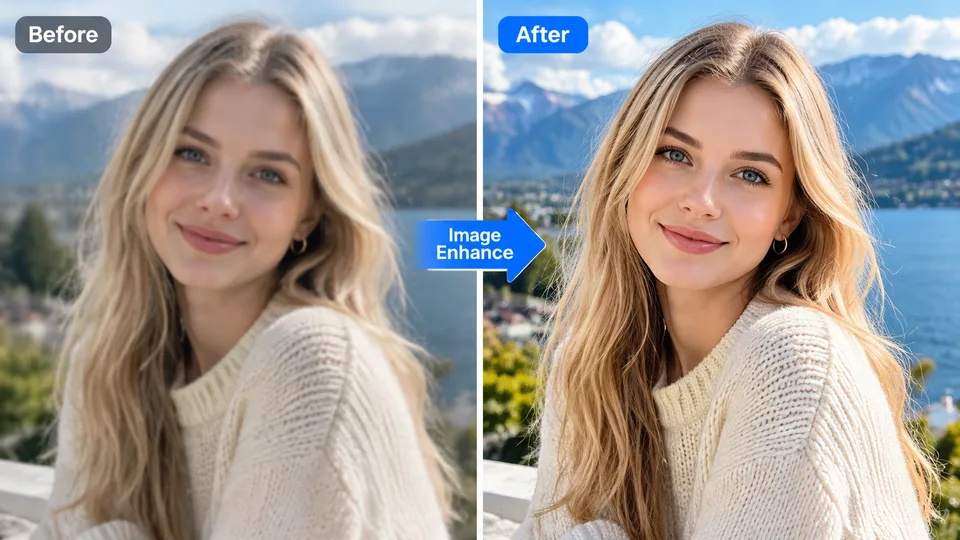
Image Enhance
HQSharpen detail, improve clarity, and lift overall photo quality.
Open Image Enhance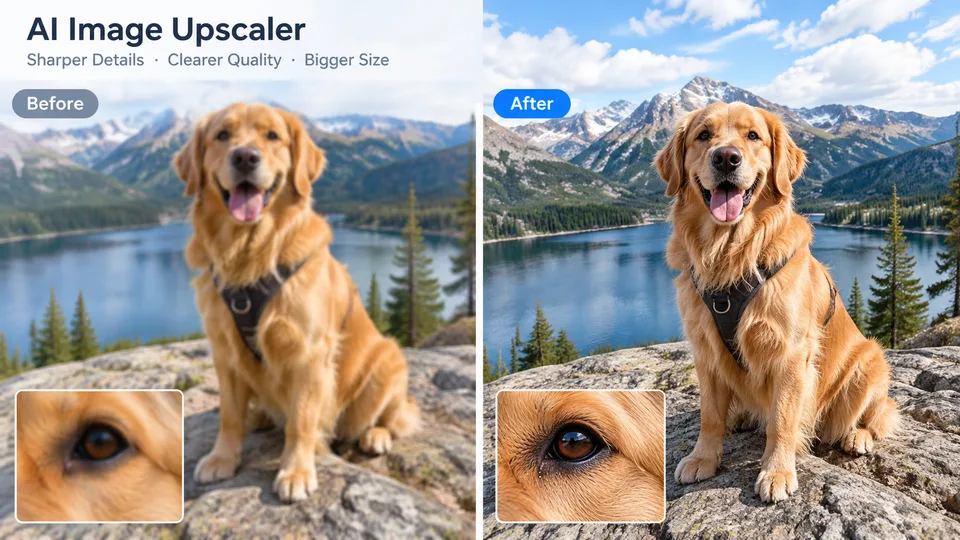
Image Upscaler
2×+Increase perceived resolution and recover fine texture for prints, zooms, and sharper exports.
Open Image Upscaler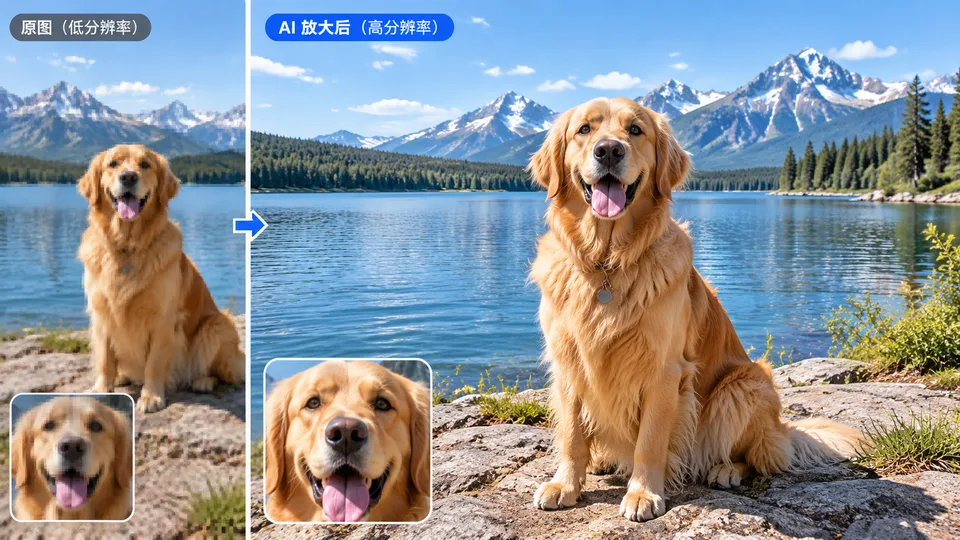
AI Extend
OutpaintOutpaint missing edges for wider crops, social formats, or room to place text and product.
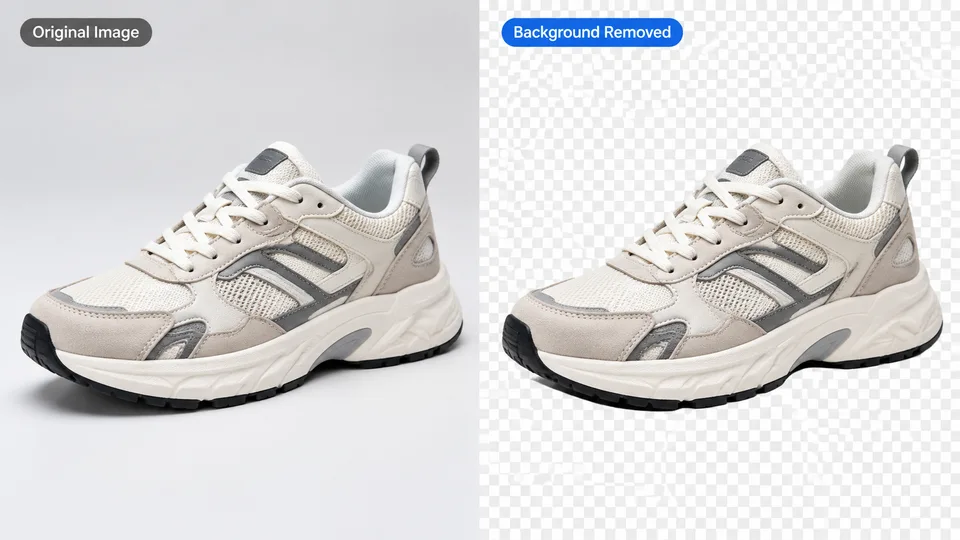
Open AI ExtendBackground Tools

Browser Utilities
FAQ
Are the AI image tools free to use?
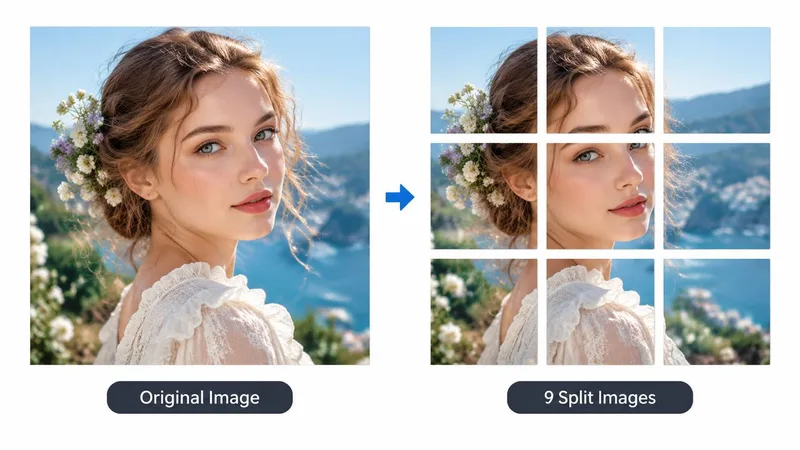
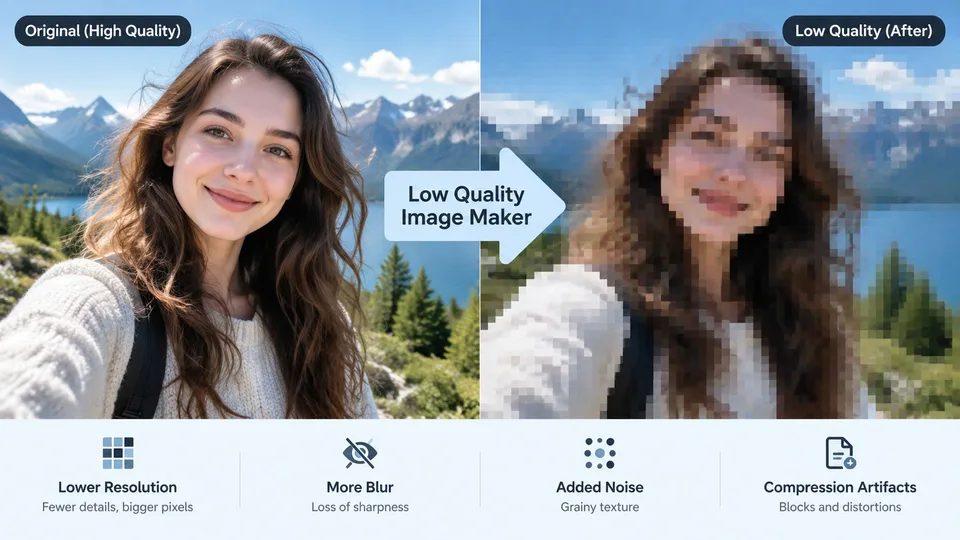
The browser utilities — Image Split and the Low Quality Image Maker — are completely free and run entirely on your device. The AI tools can be tried without an account using a local credit balance, and signed-in accounts receive starter credits plus daily free generations.
Do I need to install anything?
No. Every tool on this page runs in your browser. Upload or describe an image, run the tool, and download the result — nothing to install.
Which tool should I start with?
For a picture that does not exist yet, start with the AI photo generator. For an existing photo, pick the job: background removal, upscaling, restoration, or image to image editing. Each tool page explains its steps and shows what to expect before you upload.
Can I use the results commercially?
The Pro plan includes a commercial license for generated images. The free plan is for personal use and trying the tools. Check the pricing page for current plan details.